

How to Fix Core Web Vitals in 2026
LCP, INP, and CLS are directly impacting your Google rankings right now. Here’s a complete, step-by-step guide to diagnosing and fixing every Core Web Vitals failure — without a developer on hand.

Google uses Core Web Vitals as a direct ranking signal. Pages that fail LCP, INP, or CLS benchmarks are actively being suppressed in search results — even if your content is excellent. Here’s exactly how to fix every failure and recover your rankings.
What Are Core Web Vitals?
Core Web Vitals are three specific page experience metrics Google uses to assess real-world user experience. They measure how fast your main content loads (LCP), how quickly your page responds to user interactions (INP), and how much your layout shifts unexpectedly (CLS). All three are measured using real Chrome user data — not just lab simulations.
The key distinction for 2026: Google now uses field data (real user experience) over lab data when field data is available. This means fixing your scores in PageSpeed Insights alone isn’t enough — real users on real devices need to experience improvements.
Open Google Search Console → Core Web Vitals report. This shows your real-world field data grouped by URL type. Always fix the ‘Poor’ URLs driving the most impressions first — they have the highest ranking upside.
The Fix Framework
Diagnose Your Scores Correctly
Use both GSC (field data) and PageSpeed Insights (lab + field data) together. GSC shows which URL groups are failing. PageSpeed Insights shows exactly why each URL is failing with specific opportunities and diagnostics. Run both on your most important page templates — homepage, product pages, blog posts.
Fix LCP: Largest Contentful Paint
LCP measures when the largest visible element (usually a hero image or H1) loads. The three most common LCP killers are: slow server response time (fix with a better host or CDN), render-blocking resources (defer non-critical CSS and JS), and unoptimised images (serve WebP, add width/height attributes, and preload your LCP image using a tag).
Fix INP: Interaction to Next Paint
INP replaced FID in 2024 and measures the full responsiveness of your page — not just the first click. High INP is almost always caused by excessive JavaScript execution. Audit your JS with Chrome DevTools’ Performance panel. Break up long tasks, defer non-critical scripts, and remove unused third-party JS (chat widgets, analytics, ad scripts) from your key pages.
Fix CLS: Cumulative Layout Shift
CLS is caused by elements moving on screen after the page loads. The most common culprits are: images without explicit width and height attributes, ads or embeds with no reserved space, web fonts causing FOUT (flash of unstyled text), and dynamically injected content above existing content. Set explicit dimensions on every image and reserve space for all ads and embeds.
Upgrade Your Server & Hosting
Poor Time to First Byte (TTFB) is the root cause of many LCP failures. If your server takes over 600ms to respond, no amount of front-end optimisation will fully fix your LCP. Consider upgrading to a VPS, adding a CDN (Cloudflare is free), and enabling server-side caching. For WordPress, a proper caching plugin like WP Rocket dramatically reduces TTFB.
Optimise Every Image
Images are responsible for LCP failures on the vast majority of pages. Convert all images to WebP format (30–50% smaller than JPEG with the same quality). Implement lazy loading on below-the-fold images (add loading=’lazy’ attribute). But critically — do NOT lazy load your LCP image. That image should load as fast as possible.
Eliminate Render-Blocking JS and CSS
Every script that loads in the before your content renders is blocking your LCP. Move non-critical scripts to load with defer or async attributes. Inline only the CSS needed to render above-the-fold content (critical CSS) and load the rest asynchronously. Tools like Critical or Penthouse can generate critical CSS automatically.
WordPress-Specific Fixes
If you’re on WordPress: install WP Rocket or LiteSpeed Cache for caching and lazy loading. Use Imagify or ShortPixel for automatic WebP conversion. Disable or replace heavy page builder scripts on posts where they’re not needed. Remove unused plugins — every active plugin adds to your JS payload even on pages where it’s not used.
Monitor Progress After Fixing
After deploying fixes, wait 28 days before checking GSC’s Core Web Vitals report — Google collects field data over a rolling 28-day window. Use the URL Inspection tool in GSC to request re-indexing of key pages after fixes. Track your PageSpeed Insights scores weekly as an interim signal while waiting for field data to update.
Need help diagnosing and fixing your Core Web Vitals? Book a free technical SEO audit and we’ll identify every failing URL and provide a prioritised fix plan.
Found this useful? Share it.
More SEO Insights
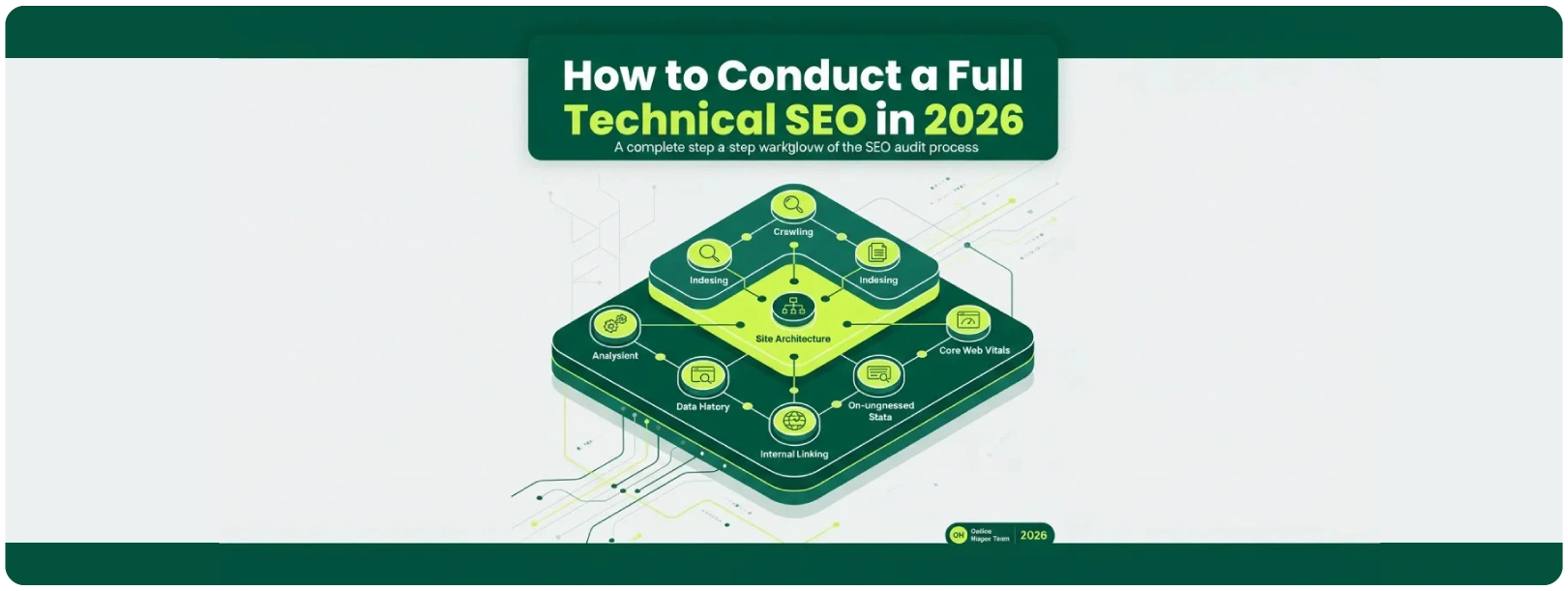
How to Conduct a Full Technical SEO in 2026
A step-by-step walkthrough of the exact audit process we run for every new client.

Content Clusters: How to Build Topical Authority That Ranks
Learn how to structure pillar pages and cluster content to dominate entire topic categories.

How to Find SEO Quick Wins in Google Search Console
The exact GSC filters we use to find pages one optimisation away from a major rankings jump.

