

How to Find SEO Quick Wins in Google Search Console
The exact GSC filters, reports, and workflows we use to identify pages that are one small optimisation away from a major rankings and traffic jump — without building a single new link.

- 1Why GSC Is Your Best SEO Tool
- 2Quick Win #1: Position 4–12 Filter
- 3Quick Win #2: High Impressions, Low CTR
- 4Quick Win #3: Seasonal Traffic Recovery
- 5Quick Win #4: Coverage Error Fixes
- 6Quick Win #5: Mobile Usability Issues
- 7Quick Win #6: Rich Result Eligibility
- 8Quick Win #7: Core Web Vitals Fails
- 9How to Prioritise Your Quick Wins
Google Search Console is the most underused SEO tool available — and it’s completely free. Most site owners only check it when something goes wrong. Here’s how to use it proactively to find ranking opportunities hiding in plain sight.
Why GSC Is Your Best SEO Tool
Unlike third-party tools that estimate traffic and rankings, GSC shows you exactly how Google sees your site. Real impression counts, real click data, real crawl errors — all directly from the source. For finding quick wins, nothing else comes close.
The key is knowing which reports to use and what to look for. Most site owners barely scratch the surface of what GSC reveals. These 7 quick win methods are the ones that deliver results fastest.
Set your GSC date range to the last 12 months and compare to the previous 12 months. This gives you enough data to spot trends and remove seasonal noise from your analysis.
The 7 GSC Quick Wins
The Position 4–12 Filter
In the Performance report, filter queries by “Position” between 4 and 12 and sort by Impressions descending. These are pages ranking on page one or just off it — a title tag tweak, a content update, or a few internal links can push them into the top 3. This is the single highest-ROI quick win available in GSC.
High Impressions, Low CTR Pages
Filter for pages with over 1,000 impressions but a CTR below 3%. This means Google is showing your page but users aren’t clicking. The fix is almost always a better title tag and meta description. Make your title more specific, add a number or year, and write a meta that creates genuine curiosity or urgency.
Seasonal Traffic Recovery
Use the date comparison feature to identify pages that had strong traffic 12 months ago but have dropped. These are often seasonal pages or pages that have been outranked by newer content. Refreshing the content, updating dates, and adding new sections can recover rankings within weeks.
Coverage Error Fixes
In the Coverage report, check for pages marked as “Excluded — Discovered but not indexed” or “Crawled but not indexed”. These are pages Google has seen but isn’t ranking. Common fixes include improving content quality, fixing thin pages, resolving canonical issues, and ensuring the page is linked to from other indexed pages.
Mobile Usability Issues
Check the Mobile Usability report for any pages flagged with “Text too small to read”, “Clickable elements too close together”, or “Content wider than screen”. Fix these on your most valuable pages first. Google uses mobile-first indexing — mobile issues directly suppress rankings.
Rich Result Eligibility
Check the Rich Results status report for any schema markup warnings or errors. Pages with valid FAQ, Article, or Product schema get enhanced search listings — stars, FAQs, or sitelinks visible directly in the SERP. These dramatically increase CTR without any ranking improvement needed.
Core Web Vitals Fails
The Core Web Vitals report in GSC groups your pages into Good, Needs Improvement, and Poor. Every page in the “Poor” group is being actively suppressed in rankings. Fix the pages driving the most organic impressions first — they have the most to gain from a CWV improvement.
How to Prioritise Your Quick Wins
Score each quick win opportunity by multiplying current impressions by potential CTR improvement. Position 4–12 pages with high impressions always rank first — they have the highest upside with the least effort. Coverage errors on high-authority pages come second. CWV fixes on high-traffic URLs come third.
Work through your quick win list systematically — don’t try to fix everything at once. Make changes, wait 4–6 weeks, measure in GSC, then move to the next item. Book a free SEO audit and we’ll run through your GSC data together and build you a prioritised quick wins roadmap.
Found this useful? Share it.
More SEO Insights

How to Build Topical Authority That Ranks
A step-by-step walkthrough of the exact audit process we run for every new client.
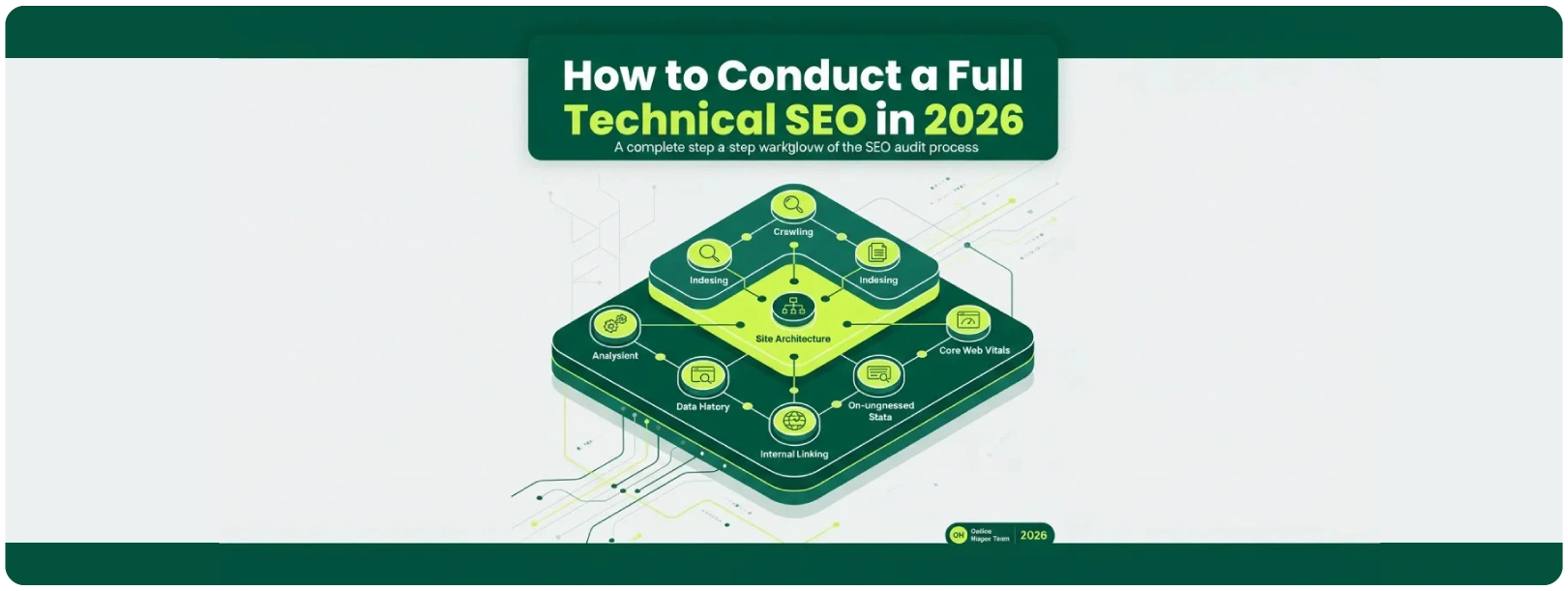
How to Conduct a Full Technical SEO Audit in 2026
Learn how to structure pillar pages and cluster content to dominate entire topic categories.

10 Proven SEO Strategies to Dominate Google in 2026
The exact GSC filters we use to find pages one optimisation away from a major rankings jump.
